
 ADB Shell
Run commands & debug
Run Android ADB commands and inspect apps, files, Logcat and device settings.
Explore ADB ShellADB device tools require a reachable, authorized connection. Available actions depend on Android and device permissions.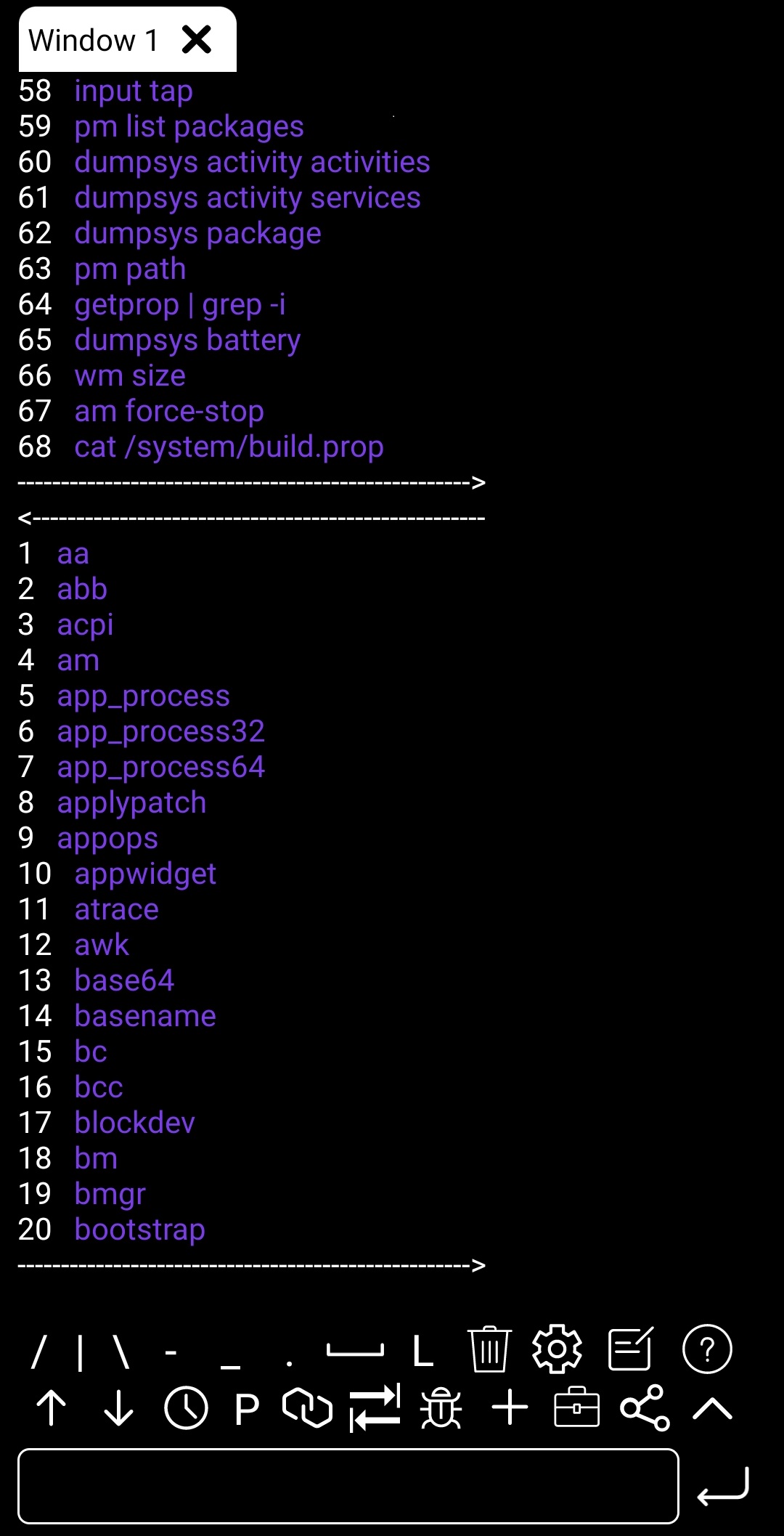
COLORBOX / INDEPENDENT ANDROID APPS
ADB tools, game performance and TV homes.
Photo cleanup and quick puzzles.
START WITH A TASK
01—04 / PRODUCT VIEWS01 / ANDROID
Keep commands, history and device tools close at hand.
Explore ADB ShellDevice tools need a reachable, authorized ADB connection.
ADB device tools require a reachable, authorized connection. Available actions depend on Android and device permissions.
02 / ANDROID
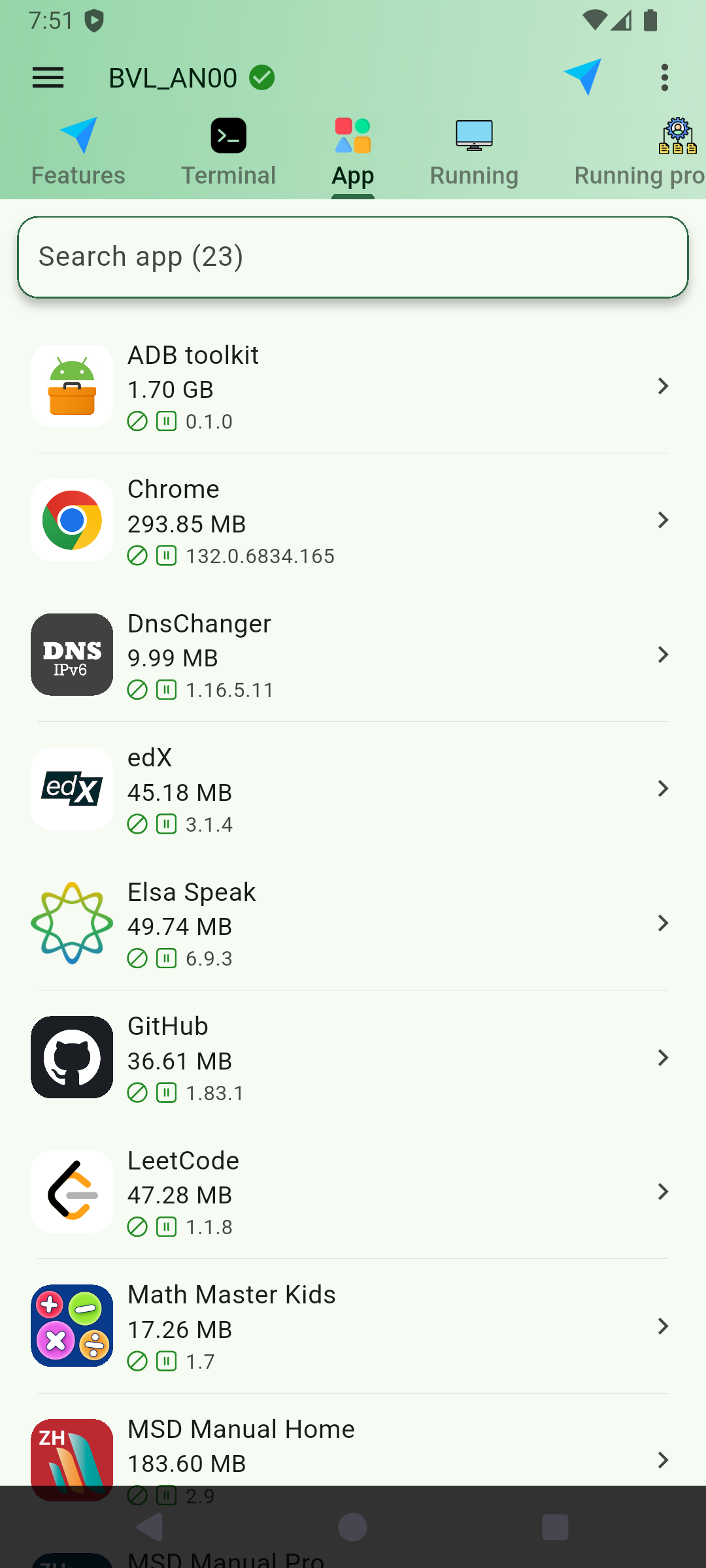
Find installed apps and bring device tasks into one workspace.
Explore DroidKitDevice-facing actions require a reachable, authorized target.
Device management requires an authorized target. Supported tools and actions vary by device and app configuration.
03 / ANDROID
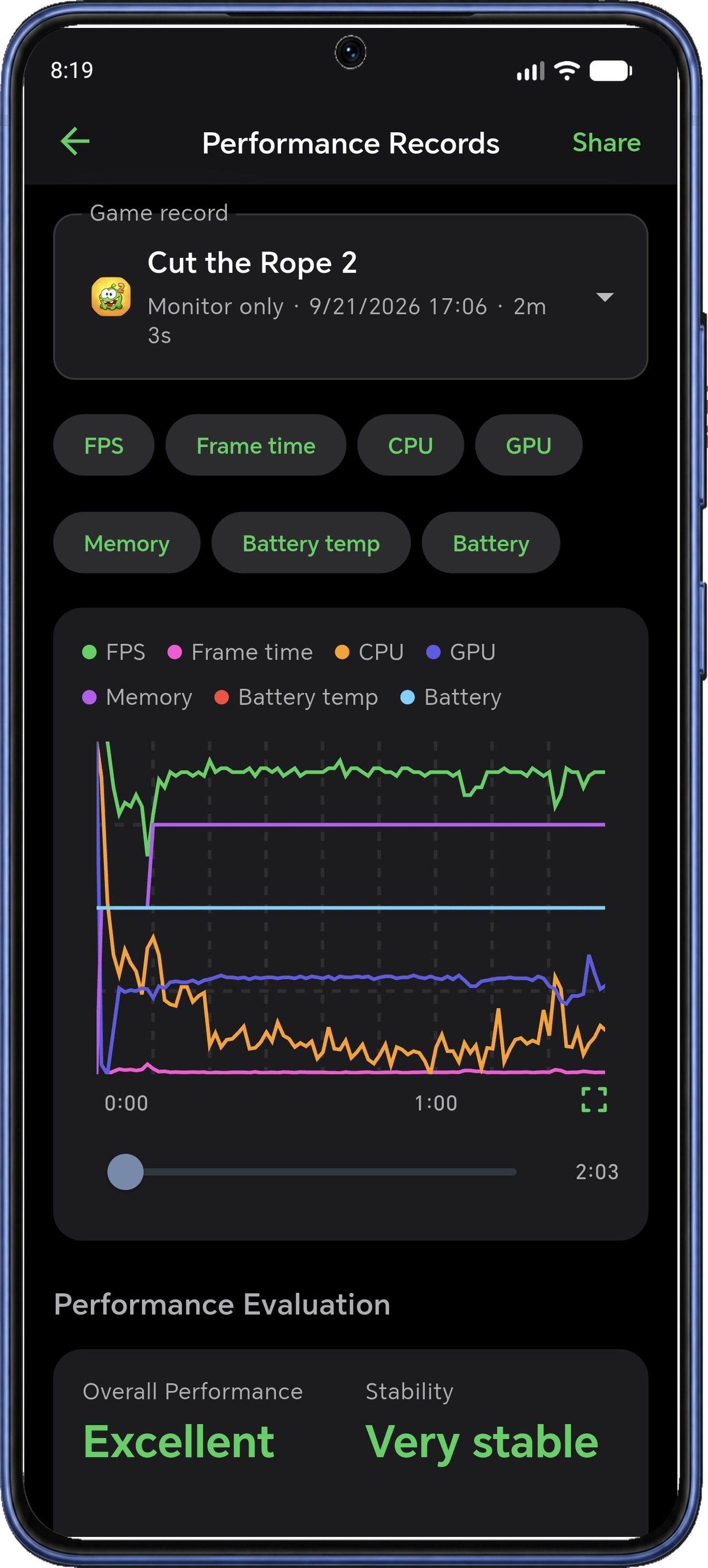
Review FPS, frame time and system activity from a recorded session.
Explore Mr. Zero: ADB Game BoosterLocal ADB required. No root needed. Screenshot data illustrates one session; results vary.
Active local ADB required. Wireless pairing needs Android 11+. Metrics, recording duration and controls depend on device and app configuration.
04 / ANDROID TV
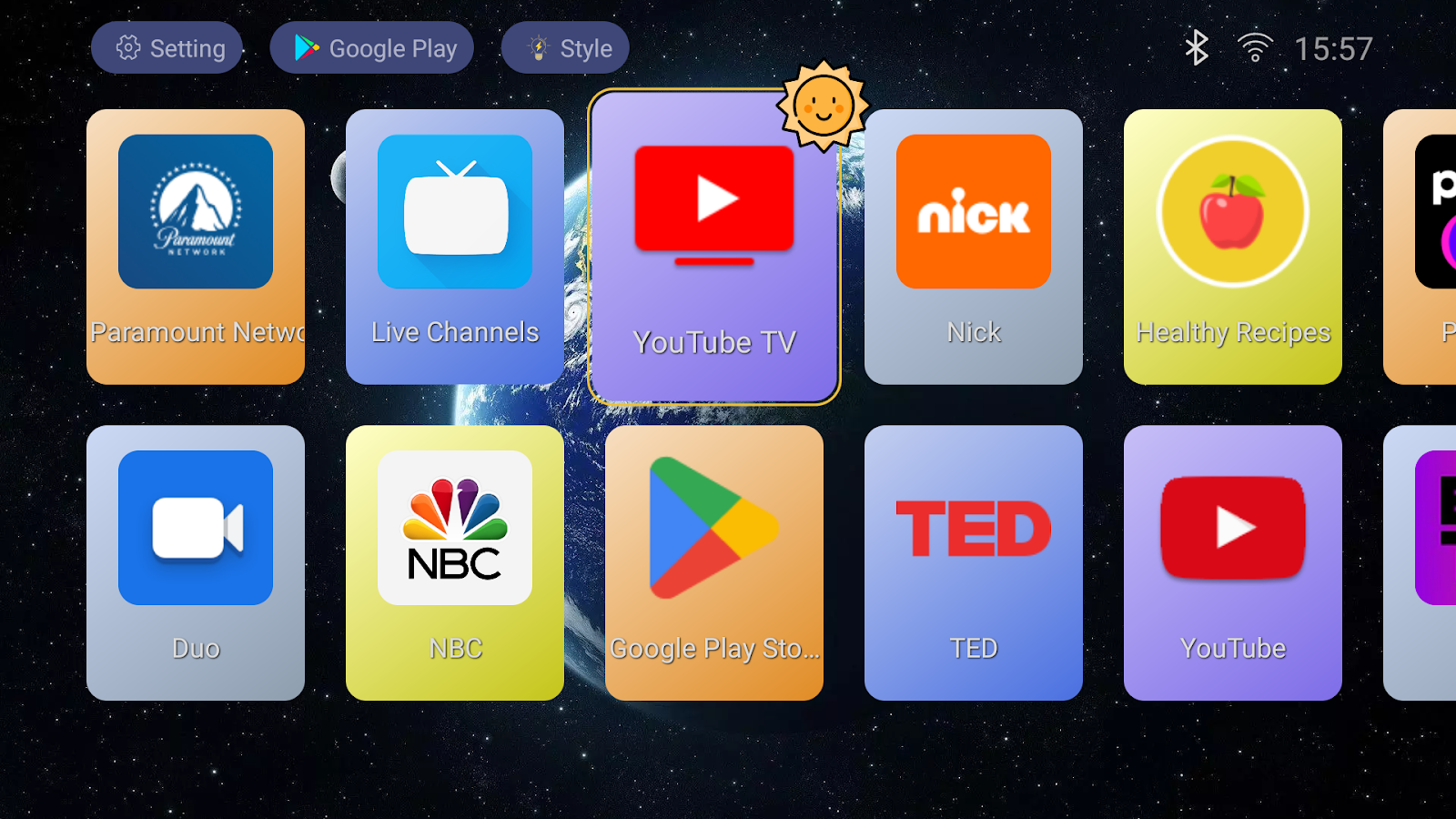
Put your favorite apps where your remote can find them.
Explore TV LauncherFor Android TV and TV boxes. Default-launcher support depends on the device.
For Android TV and TV boxes. Appearance options and default-home behavior depend on your device and app configuration.
THE COLLECTION / 07 APPS
From a single command to the screen across the room. Find your starting point.
01 / ADB TOOLS
Three ways to work with Android. Find the one that fits you.
ADB ShellRun Android ADB commands and inspect apps, files, Logcat and device settings.
Explore ADB ShellADB device tools require a reachable, authorized connection. Available actions depend on Android and device permissions. DroidKit
Manage Android apps, files and connected devices in a visual ADB workspace.
Explore DroidKitDevice management requires an authorized target. Supported tools and actions vary by device and app configuration.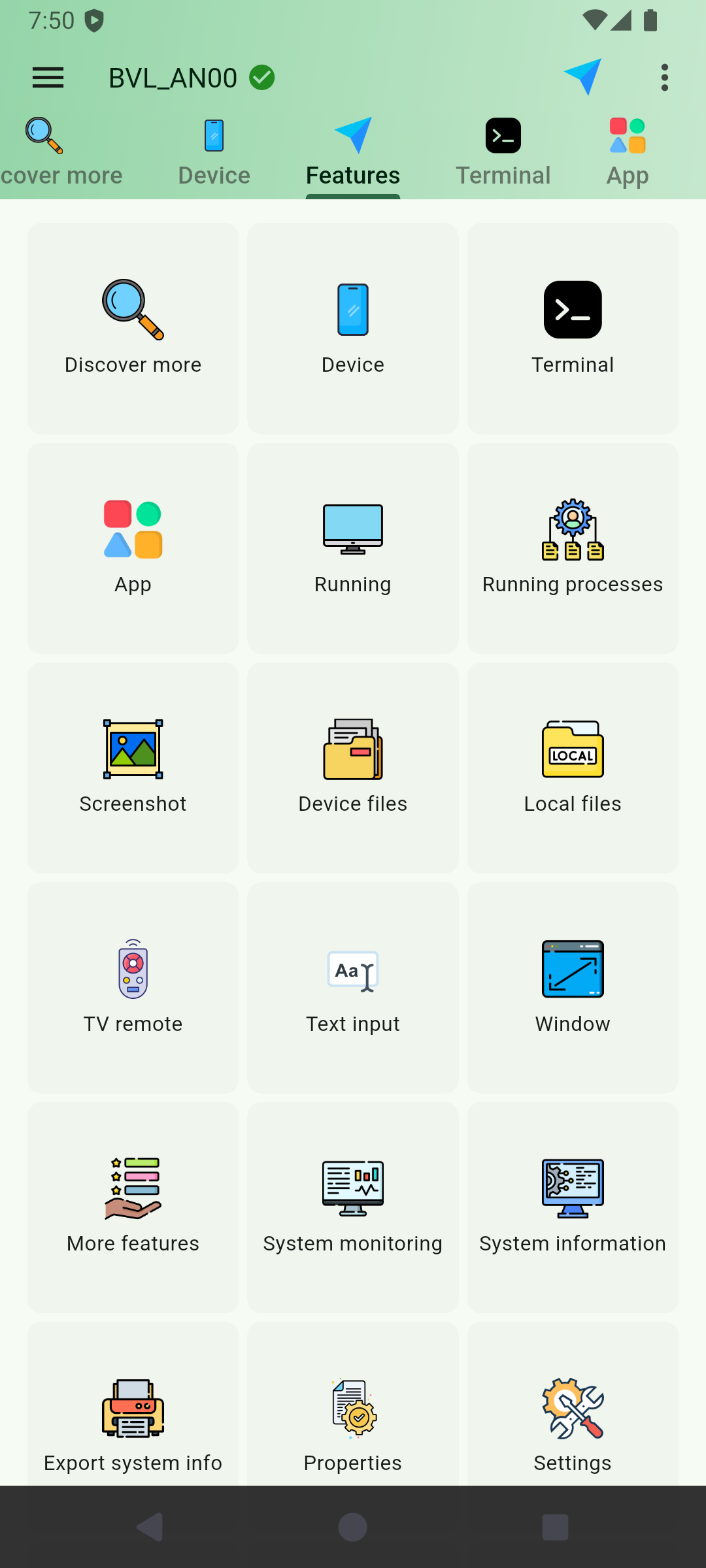
 ShellX
Switch Android terminal sessions, reuse command history and follow Logcat.
Explore ShellXLocal shell and ADB sessions have different permissions. Remote work requires debugging and authorization on the target.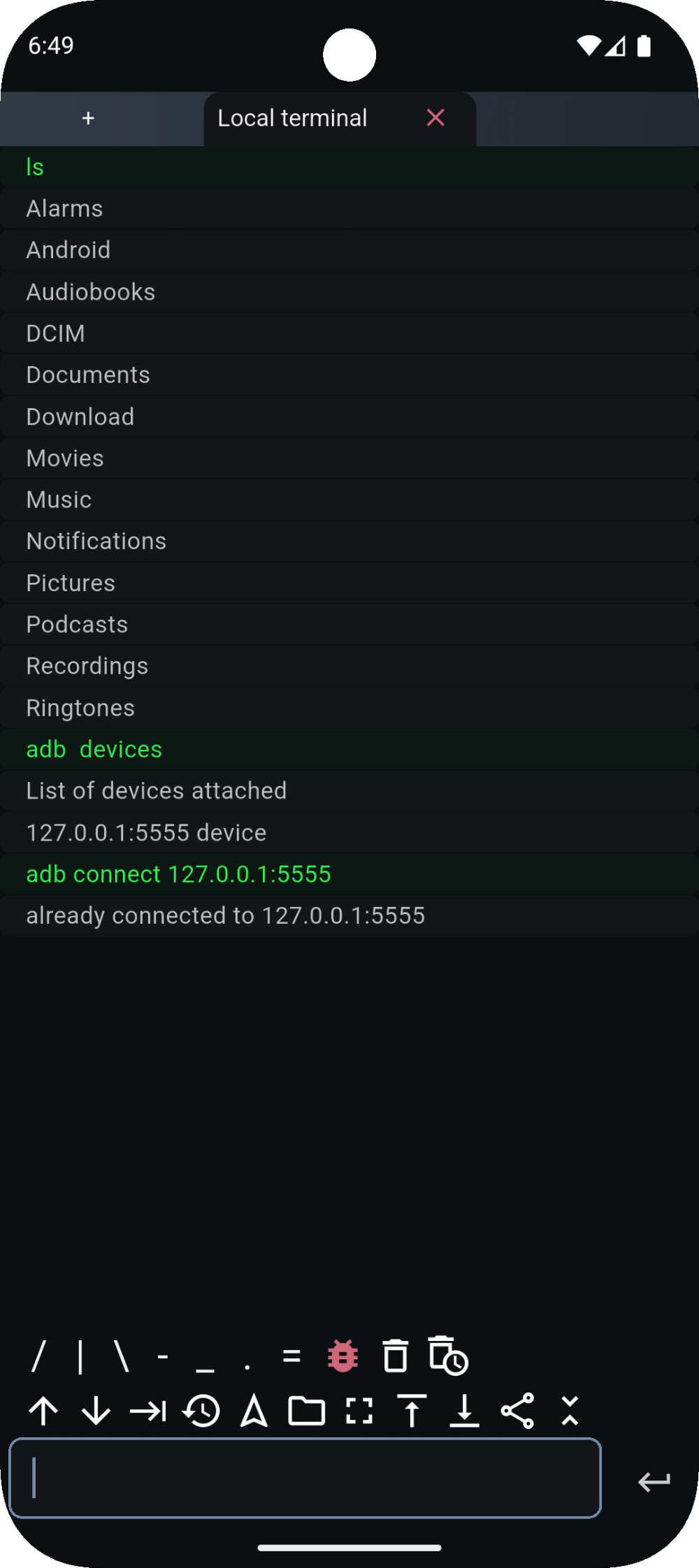
02 / GAMING PERFORMANCE
Tune your setup. See how your next session runs.
 Mr. Zero: ADB Game Booster
Monitor Android game FPS and frame time, then review recorded session charts.
Explore Mr. Zero: ADB Game BoosterActive local ADB required. Wireless pairing needs Android 11+. Metrics, recording duration and controls depend on device and app configuration.Local ADB connection required. No root needed. Screenshot results are illustrative.03 / ANDROID TV
Your favorite apps. A screen that feels like yours.
 TV Launcher
Organize Android TV apps, choose wallpaper and navigate with your remote.
Explore TV LauncherFor Android TV and TV boxes. Appearance options and default-home behavior depend on your device and app configuration.04 / EVERYDAY APPS
Keep the moments. Make time for a little play.
 AI Photo Cleaner
Review similar photos, screenshots and large images; swipe before confirming deletion.
Explore AI Photo CleanerPhoto-library access is required. Scanning suggests items to review; permanent deletion needs your confirmation.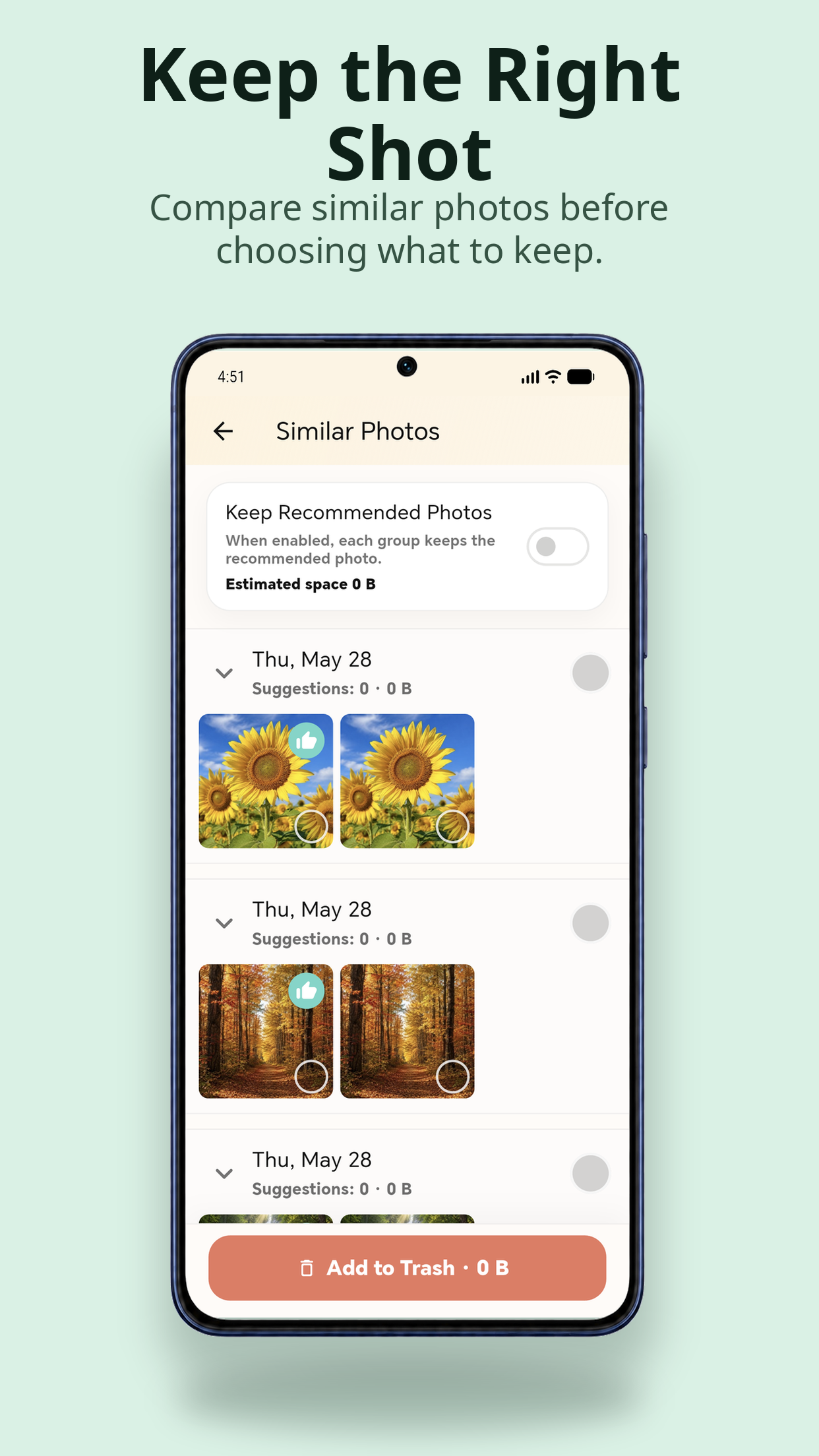
 Mind Clash
Play Odd Color, One-Line Connect and Reverse Maze in quick Android rounds.
Explore Mind ClashGames have their own rules, time limits and scoring. Available games and difficulties depend on your progress and app configuration.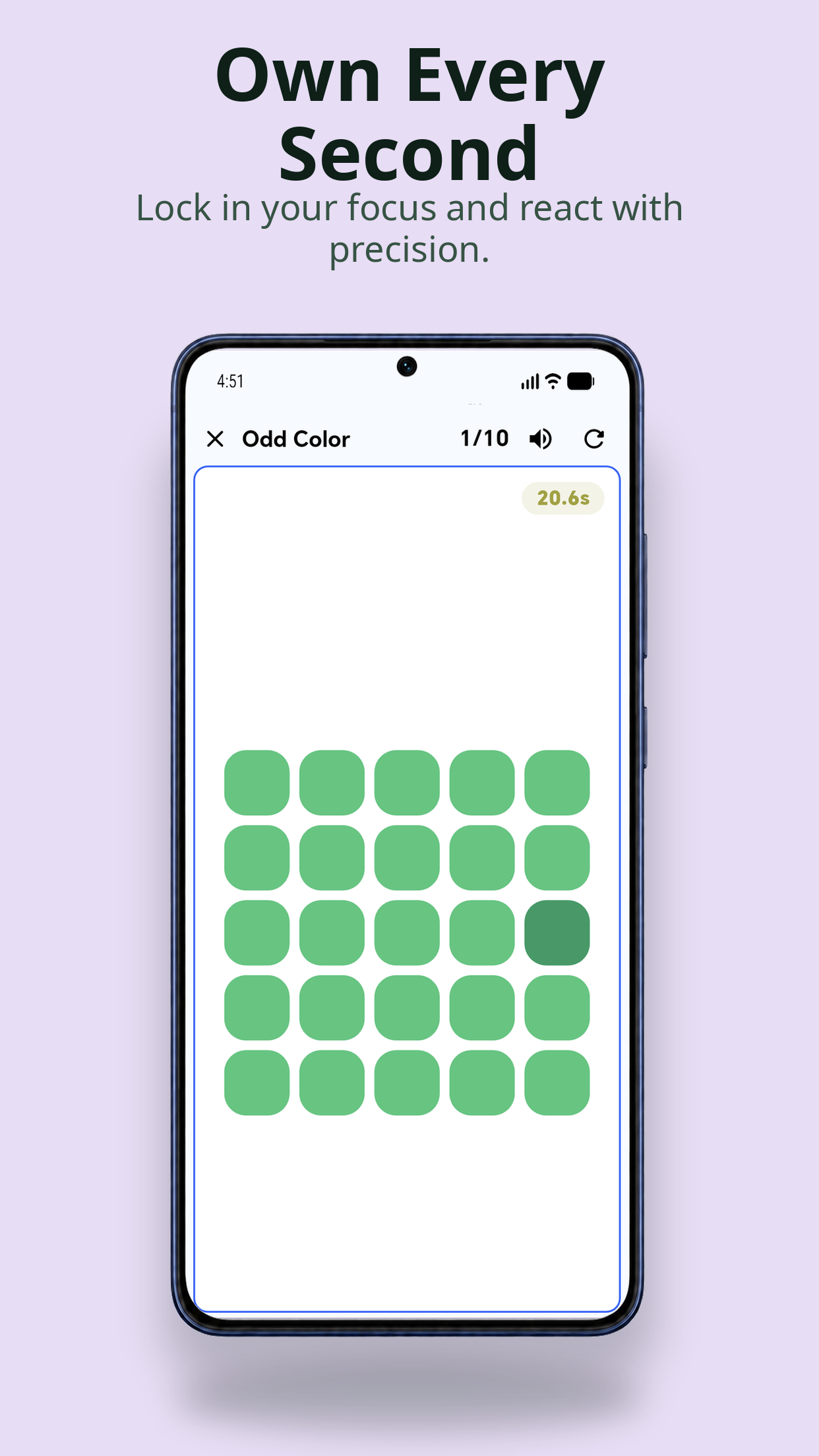
THE STUDIO / COLORBOX
We build Android apps for the devices already in your life. Tools for a closer look at your phone. Records for understanding a game. A home screen for your TV.
Seven apps, each with a job to do. Choose the tool, check what it needs, and make it part of your everyday setup.